


Page 33 - Inner-3
P. 33
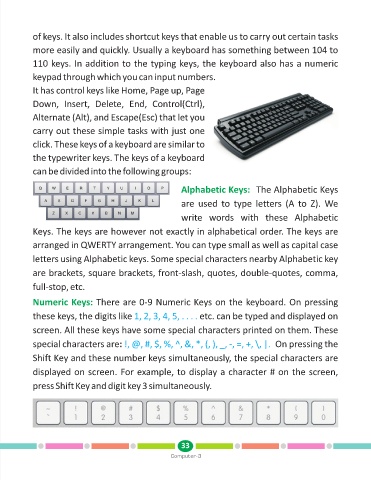
of keys. It also includes shortcut keys that enable us to carry out certain tasks

            more easily and quickly. Usually a keyboard has something between 104 to
            110 keys. In addition to the typing keys, the keyboard also has a numeric

            keypad through which you can input numbers.

            It has control keys like Home, Page up, Page

            Down,  Insert,  Delete,  End,  Control(Ctrl),

            Alternate (Alt), and Escape(Esc) that let you

            carry out these simple tasks with just one

            click. These keys of a keyboard are similar to
            the typewriter keys. The keys of a keyboard

            can be divided into the following groups:


                                                               Alphabetic Keys:         The Alphabetic Keys

                                                               are  used  to  type  letters  (A  to  Z).  We

                                                               write  words  with  these  Alphabetic

            Keys. The keys are however not exactly in alphabetical order. The keys are

            arranged in QWERTY arrangement. You can type small as well as capital case

            letters using Alphabetic keys. Some special characters nearby Alphabetic key

            are brackets, square brackets, front-slash, quotes, double-quotes, comma,

            full-stop, etc.

            Numeric Keys:         There are 0-9 Numeric Keys on the keyboard. On pressing

            these keys, the digits like 1, 2, 3, 4, 5, . . . .       etc. can be typed and displayed on

            screen. All these keys have some special characters printed on them. These

            special characters are: !, @, #, $, %, ^, &, *, (, ), _, -, =, +, \, |.            On pressing the

            Shift Key and these number keys simultaneously, the special characters are

            displayed on screen. For example, to display a character # on the screen,

            press Shift Key and digit key 3 simultaneously.


                                                               33
                                                           Computer-3

