


Page 35 - Inner-3
P. 35
Caps Lock Key: When Caps Lock Key is pressed once all the letters that we will

            type will come in upper case. The effect can be reversed when we press the
            key again.

                             Home Key:  The Home Key is commonly found on the computer

                             keyboards. This key moves the cursor to the top left corner of the

                             screen  or  the  beginning  of  the  file,  but  it  can  have  other
                             functions depending on a program.

            End Key : The End Key moves the cursor to the bottom right

            corner of the screen or to the end of the file, but it can have
            other functions depending on a program.


                             Delete Key: Often abbreviated as Del               , the Delete Key is used to
                             remove characters and other objects. The Delete Key generally

                             removes the character immediately to the right of the cursor, or
                             the highlighted text or object.

            Backspace  Key:  The  Backspace  Key  moves  the  cursor  or

            insertion  point  backward  one  character  space.  The

            Backspace Key removes the character immediately to the left
            of the cursor.


            Cursor or Arrow Keys

            There are four types of Arrow Keys on the keyboard. They are:

            ?ey moves the cursor one line upwards and a down                                     key moves the
                   An up k
                   cursor one line downwards. To move one page upwards use Page Up key

                   and for page downwards use Page Down key.

                   A left
            ? key moves the cursor one left position to the current position.
                   However, a right key moves the cursor one right position to the current
                   position.
                                                                                                 Num
                                                                                                 Lock
            Numeric Keypad

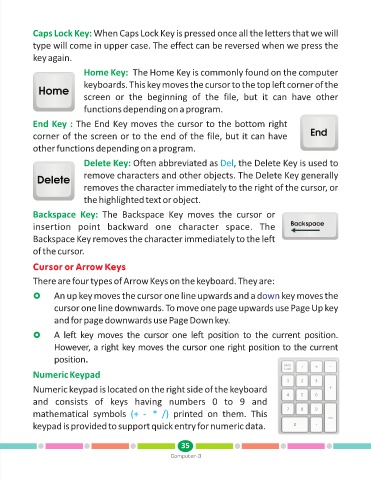
            Numeric keypad is located on the right side of the keyboard
            and  consists  of  keys  having  numbers  0  to  9  and

            mathematical  symbols  (+  -   *  /)            printed  on  them.  This
            keypad is provided to support quick entry for numeric data.


                                                               35
                                                           Computer-3

