


Page 34 - Inner-3
P. 34
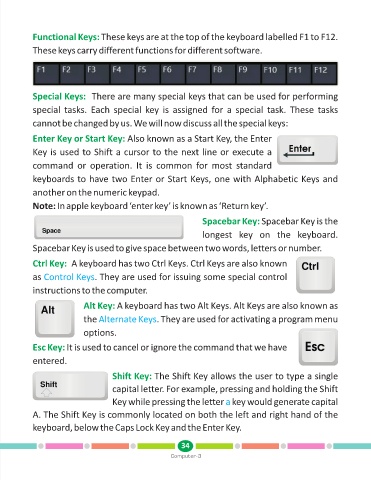
Functional Keys: These keys are at the top of the keyboard labelled F1 to F12.

            These keys carry different functions for different software.


            Special Keys:  There are many special keys that can be used for performing
            special tasks.  Each  special key  is  assigned  for  a  special task.  These  tasks

            cannot be changed by us. We will now discuss all the special keys:


            Enter Key or Start Key: Also known as a Start Key, the Enter
            Key is used to Shift a cursor to the next line or execute a

            command  or  operation.  It  is  common  for  most  standard

            keyboards to have two Enter or Start Keys, one with Alphabetic Keys and

            another on the numeric keypad.

            Note: In apple keyboard ‘enter key’ is known as ‘Return key’.

                                                                      Spacebar Key: Spacebar Key is the

                                                                      longest  key  on  the  keyboard.

            Spacebar Key is used to give space between two words, letters or number.


            Ctrl Key: A keyboard has two Ctrl Keys. Ctrl Keys are also known
            as Control Keys      . They are used for issuing some special control

            instructions to the computer.

                             Alt Key: A keyboard has two Alt Keys. Alt Keys are also known as

                             the Alternate Keys       . They are used for activating a program menu

                             options.

            Esc Key: It is used to cancel or ignore the command that we have

            entered.

                                       Shift Key: The Shift Key allows the user to type a single

                                       capital letter. For example, pressing and holding the Shift
                                       Key while pressing the letter   key would generate capital
                                                                              a
            A. The Shift Key is commonly located on both the left and right hand of the

            keyboard, below the Caps Lock Key and the Enter Key.


                                                               34
                                                           Computer-3

