


Page 59 - Inner-3
P. 59
Quit Tool


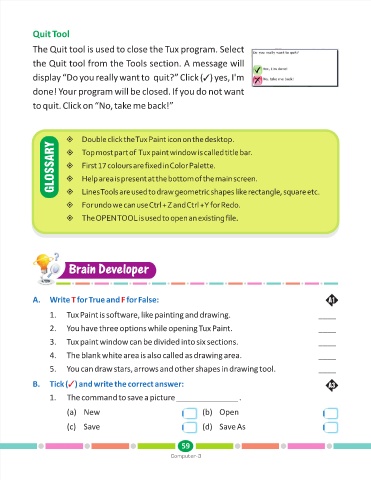
            The Quit tool is used to close the Tux program. Select
            the Quit tool from the Tools section. A message will


                                                                        )
                                                                          y
                                                                           es,
            display “Do you really want to  quit?” Click (TI'm
            done! Your program will be closed. If you do not want
            to quit. Click on “No, take me back!”


                       ±click the Tux Paint icon on the desktop.
                             Double
                   GLOSSARY  ±colours are fixed in Color Palette.
                             T
                       ±most part of  Tux paint window is called title bar.
                              op
                                  17
                             First
                             Help
                       ±area is present at the bottom of the main screen.
                                   T
                             Lines
                       ±ools are used to draw geometric shapes like rectangle, square etc.
                             For
                       ±undo we can use Ctrl + Z and Ctrl + Y for Redo.
                             The
                       ±OPEN TOOL is used to open an existing file.


                        Brain Developer
                        Brain Developer


                                          F
                         T
            A.    Write   for True and   for False:                                                              A1
                  1.    Tux Paint is software, like painting and drawing.                                    ____

                  2.    You have three options while opening Tux Paint.                                      ____

                  3.    Tux paint window can be divided into six sections.                                   ____
                  4.    The blank white area is also called as drawing area.                                 ____

                  5.    You can draw stars, arrows and other shapes in drawing tool.                         ____

                        T
            B.    Tick ( ) and write the correct answer:                                                         A3
                  1.    The command to save a picture ______________              .

                        (a) New                                       (b) Open


                        (c) Save                                      (d) Save As


                                                               59
                                                           Computer-3

