


Page 45 - Inner-3
P. 45
Selecting Text Using a Keyboard


            You can even select text using the keys on your keyboard. First, place the
            cursor to the left of the first character you wish to select. Then use the

            following key combinations:


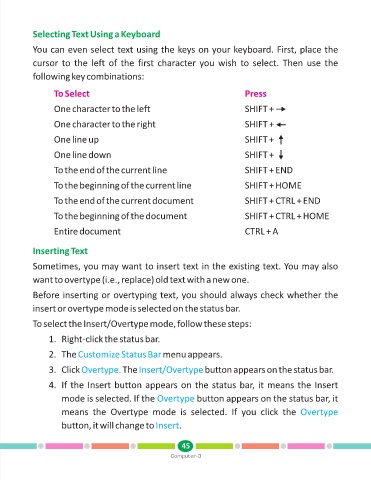
                   To Select                                                        Press

                   One character to the left                                        SHIFT +

                   One character to the right                                       SHIFT +


                   One line up                                                      SHIFT +

                   One line down                                                    SHIFT +

                   To the end of the current line                                   SHIFT + END

                   To the beginning of the current line                             SHIFT + HOME


                   To the end of the current document                               SHIFT + CTRL + END

                   To the beginning of the document                                 SHIFT + CTRL + HOME

                   Entire document                                                  CTRL + A


            Inserting Text


            Sometimes, you may want to insert text in the existing text. You may also
            want to overtype (i.e., replace) old text with a new one.


            Before inserting or overtyping text, you should always check whether the
            insert or overtype mode is selected on the status bar.


            To select the Insert/Overtype mode, follow these steps:

                  1. Right-click the status bar.

                  2. The Customize Status Bar            menu appears.

                  3. Click Overtype.       The Insert/Overtype         button appears on the status bar.


                  4. If the Insert button appears on the status bar, it means the Insert

                      mode is selected. If the Overtype             button appears on the status bar, it
                      means  the  Overtype  mode  is  selected.  If  you  click  the  Overtype

                      button, it will change to Insert        .


                                                               45
                                                           Computer-3

